
Report List
Get a list of reports to streamline various operations workflows, like the process of report generation.
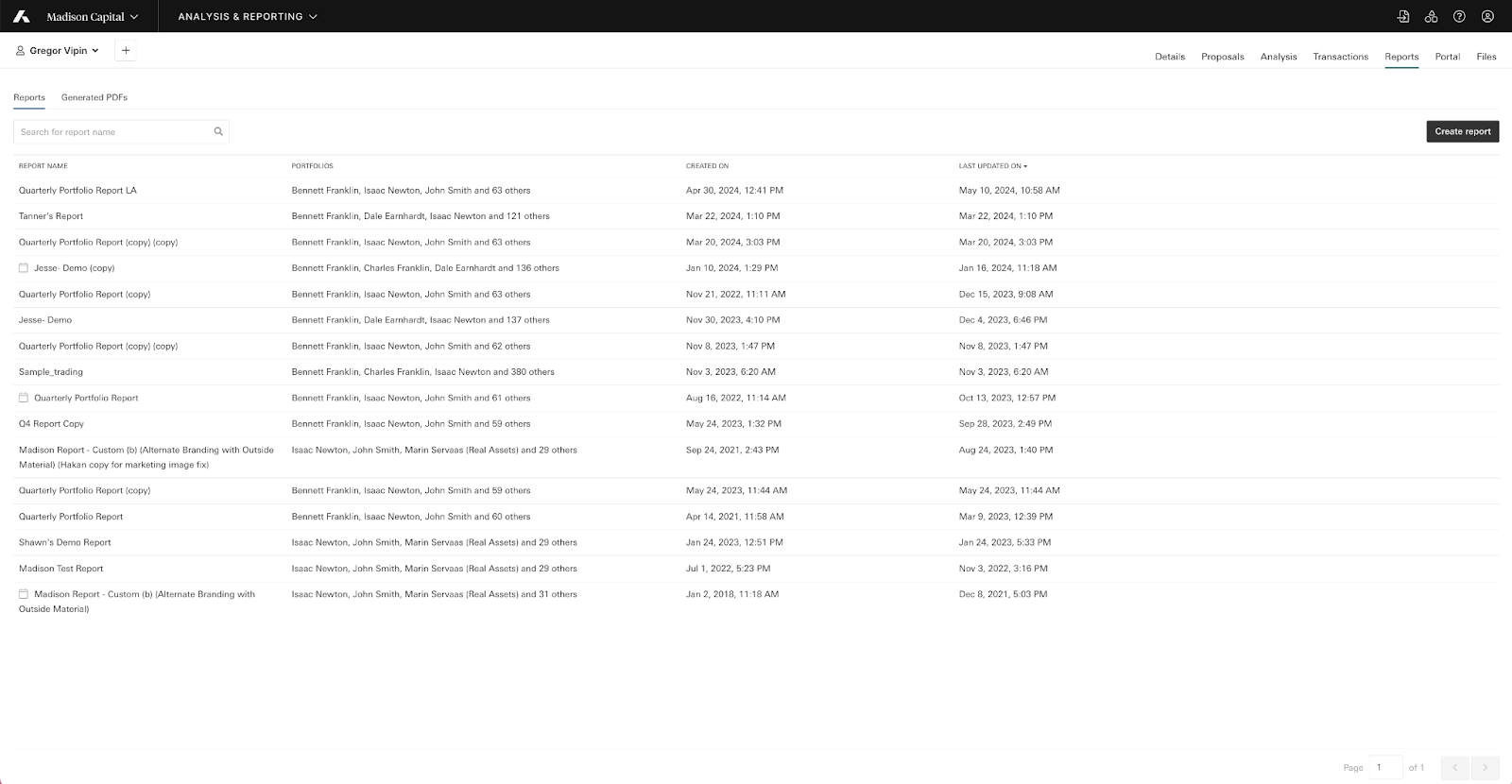
| Base route | /v1/reports |
| Endpoints | GET |
| Produces | JSON |
| Pagination | Yes |
| OAuth Scopes | REPORTS_READ |
| Application permissions required | Access to reports |
Resource overview
All attributes will be returned in successful GET responses.
| Attributes | Description | Example |
|---|---|---|
report_id | The ID of the report. | 37 |
report_name | The name of the report. | Quarterly Performance Report |
created_on_date | The date the report was created. | 2023-05-18 |
last_update_date | The date the report was last updated. | 2023-05-20 |
num_associated_portfolios | Then number of portfolio associations on the report. | 5 |
Parameters
| Attribute | Description | Example | Validation |
|---|---|---|---|
filter[createdAfter] | Returns only reports created after a specific time. | /v1/reports/?filter[createdAfter]=2017-04-06T20:12:45Z | - Must be a valid date. - Must be less than ‘createdBefore’, if both are provided. - Must be less than ‘modifiedBefore’, if both are provided. |
filter[modifiedAfter] | Returns only reports modified after a specific time. | /v1/reports/?filter[modifiedAfter]=2017-04-06T20:12:45Z | - Must be a valid date. - Must be less than ‘modifiedBefore’, if both are provided. |
filter[createdBefore] | Returns only reports created before a specific time. | /v1/reports/?filter[createdBefore]=2017-04-06T20:12:45Z | - Must be a valid date. - Must be greater than ‘createdAfter’, if both are provided. |
filter[modifiedBefore] | Returns only reports modified before a specific time. | /v1/reports/?filter[modifiedBefore]=2017-04-06T20:12:45Z | - Must be a valid date. - Must be greater than ‘modifiedAfter’, if both are provided. - Must be greater than ‘createdAfter’, if both are provided. |
filter[name] | Returns only reports that contain a specific word or phrase. String. | /v1/reports/?filter[name]=test | N/A |
filter[entityId] | Returns only reports associated with the entity ID. | /v1/reports?[reports]=100 | - Must be a valid ID and exist on the platform. - You must have access the entity in Addepar. - Only 1 entity ID or group Id can be provided, not both or multiple. |
filter[groupId] | Returns only reports associated with the group ID. | /v1/reports?[reports]=200 | - Must be a valid ID and exist on the platform. - You must have access the group in Addepar. - Only 1 entity Id or group Id can be provided, not both or multiple. |
page[limit] | The number of reports returned in the list. The default and maximum number of reports listed per page is 500. | 100 | - Must be integer not exceeding 500. |
page[after] (cursor) | Determines which reports you get back in the response. Based on report ID. Integer. For example, say you have 5 reports in Addepar, with report IDs 1, 2, 3, 4, and 5. If you specify | 0 | N/A |
Get a list of reports
Obtain a list of reports to use as a starting point for other API workflows. For example, you could get reports created after April 5th, 2017 that have an ID greater than or equal to 2. Then, generate reports as needed.
GET:*/v1/reports/?filter[createdAfter]=2017-04-05T20:12:45Z&page[limit]=2&page[after]=2HTTP/1.1 200
{
"data": {
"type": "reports",
"id": "13",
"attributes": {
"num_associated_perspectives": 2,
"name": "Billing Attributes Report",
"created_at": "2017-05-24T01:19:34Z",
"modified_at": "2017-05-24T01:20:44Z"
},
"links": {
"self": "/v1/files/13"
}
},
"included": []
}Response codes
200 OK:Success400 Bad Request :Incorrect or missing parameters. See parameter tables for more information.404 Not Found :The entity or group was not found.
Updated 29 days ago
Did this page help you?